


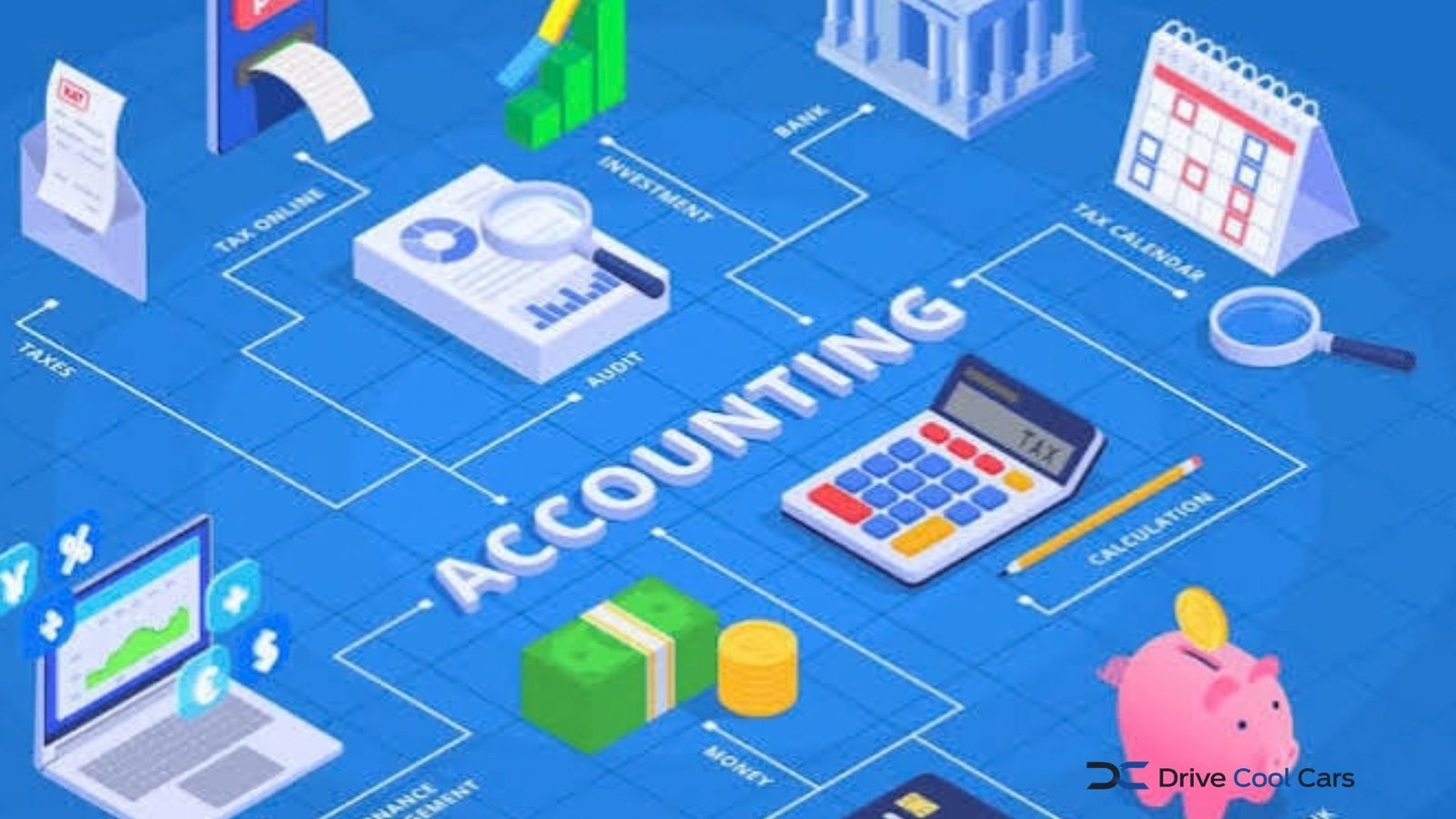
Accounting tools help businesses record transactions, organize expenses, create invoices, reconcile bank activity, and prepare financial reports. For a freelancer, startup, or growing company, the right system can replace scattered spreadsheets with a clearer view of cash flow and business performance.
The best choice depends less on having the longest feature list and more on matching the software to your business model, transaction volume, tax obligations, and accounting workflow. In the USA and UK, tax and reporting requirements also differ, so location should be part of the decision.
What Are Accounting Tools?
Accounting tools are software applications used to record, organize, and analyze financial transactions. Depending on the product, they may support bookkeeping, invoicing, expense tracking, payroll, inventory, bank reconciliation, financial reporting, and tax preparation.
For US businesses, the IRS allows businesses to choose a recordkeeping system suited to their needs, provided it clearly shows income and expenses. Electronic accounting systems are subject to the same basic recordkeeping principles as paper records.
A useful system should therefore do more than store numbers. It should make transactions traceable and keep supporting documents organized.
Key Features to Look For
Not every business needs an advanced accounting platform. Start with the functions that solve your actual bookkeeping problems.
| Feature | Best suited to | Why it matters |
|---|---|---|
| Invoicing | Freelancers and service businesses | Creates and tracks customer invoices |
| Expense tracking | All small businesses | Organizes spending and supporting records |
| Bank reconciliation | Businesses with regular transactions | Helps compare recorded activity with bank records |
| Financial reports | Owners and managers | Shows profitability, cash flow, and financial position |
| Payroll | Employers | Helps manage wages and payroll records |
| Tax integration | Businesses with reporting obligations | Can simplify preparation and submissions |
| Multi-user access | Growing teams | Allows owners, bookkeepers, and accountants to collaborate |
Bank feeds can reduce manual data entry, but imported transactions still need review. Good accounting software should make it easy to identify errors rather than hiding them behind automation.
💡 Pro Tip: Before comparing monthly prices, write down your five most frequent accounting tasks. Test each shortlisted platform against those tasks using real examples, such as sending an invoice, categorizing an expense, reconciling a payment, and producing a profit-and-loss report.
Accounting Tools for US and UK Businesses
Location can significantly affect software requirements.
In the USA, businesses need records that support income, deductions, credits, and tax-return entries. The IRS says supporting documents can include invoices, receipts, deposit information, paid bills, and other transaction records.
UK businesses face additional considerations around digital tax reporting. From 6 April 2026, Making Tax Digital for Income Tax applies to certain sole traders and landlords with qualifying income above £50,000. Compatible software must be capable of creating digital records and sending quarterly updates to HM Revenue & Customs.
That means UK users affected by Making Tax Digital should check compatibility before subscribing. HMRC provides a software-finder service and states that listed products have gone through its recognition process.
For businesses operating in both countries, consider whether the platform supports the relevant currencies, tax treatments, reporting requirements, and accountant workflows without creating duplicate records.
Cloud-Based vs. Desktop Accounting
Cloud accounting stores financial data through an online service, allowing authorized users to access records from supported devices. This can be useful when an owner works with an external accountant or bookkeeping team.
Desktop software may suit businesses that prefer local control or have specialized workflows that do not depend on continuous online access. However, businesses should consider backup procedures, software updates, collaboration, and data portability before choosing a local-only system.
The practical question is not simply whether software is cloud-based. Ask how easily you can export your records, recover data, control user permissions, and continue working if the provider changes its pricing or features.
How to Choose Accounting Tools
Begin with your business structure and bookkeeping needs. A solo consultant may need invoicing, expenses, bank reconciliation, and basic reports. A retailer may additionally require inventory and sales integration. An employer may prioritize payroll, while a larger company could need departmental reporting and advanced user controls.
Next, examine integration. Your accounting platform may need to connect with a business bank account, payment processor, payroll service, e-commerce platform, or expense-management system.
Finally, examine the accountant experience. If an accountant will review your books, ask whether they can access the system efficiently and whether the reports they need are available.
Cost should be considered alongside transaction limits, user limits, add-on charges, support, and migration costs. A low introductory price is not necessarily the lowest total cost over a year.
📌 Key Takeaway: Choose accounting software around your real workflow, not around the number of features advertised. Reliable records, suitable reporting, integrations, tax compatibility, and easy collaboration matter more than an impressive feature list.
Frequently Asked Questions
What are the main benefits of accounting software?
Accounting software can centralize financial records, automate repetitive bookkeeping tasks, organize expenses, generate reports, and support invoicing. It can also make it easier to share records with an accountant. The value depends on accurate data entry and regular reconciliation; software does not automatically make incorrect financial information accurate.
Do small businesses need accounting software?
Not every small business needs a sophisticated platform. A very small operation with limited transactions may be able to use a simpler recordkeeping system. As transactions, customers, employees, or tax requirements increase, dedicated software can provide better organization and reporting.
Are accounting tools tax software?
Not necessarily. Accounting software primarily records and organizes financial activity, while tax software focuses on preparing or submitting tax returns. Some platforms combine both functions or integrate with specialist tax products. UK users subject to Making Tax Digital should confirm that their chosen software supports the required HMRC processes.
Can accounting software replace an accountant?
Software can automate calculations, categorization, reporting, and routine bookkeeping, but it does not necessarily replace professional accounting advice. Complex tax positions, business structures, financial planning, and unusual transactions may require professional judgment.
Should I keep receipts if I use accounting software?
Yes. Digital bookkeeping does not eliminate the need for supporting documentation. The IRS states that supporting documents substantiate entries in business books and tax returns. UK taxpayers using Making Tax Digital must also continue keeping original records or supporting documents used to prepare their tax return.
Conclusion
The right accounting tools should make financial administration clearer rather than more complicated. Focus on the work your business performs every week: recording income, managing expenses, reconciling accounts, invoicing customers, producing reports, and meeting applicable tax requirements.
For US businesses, verify that the system supports reliable records and documentation. For UK businesses affected by Making Tax Digital, verify HMRC compatibility before committing. A practical, scalable system that fits your workflow is usually more useful than software chosen simply because it offers the largest feature set.
