


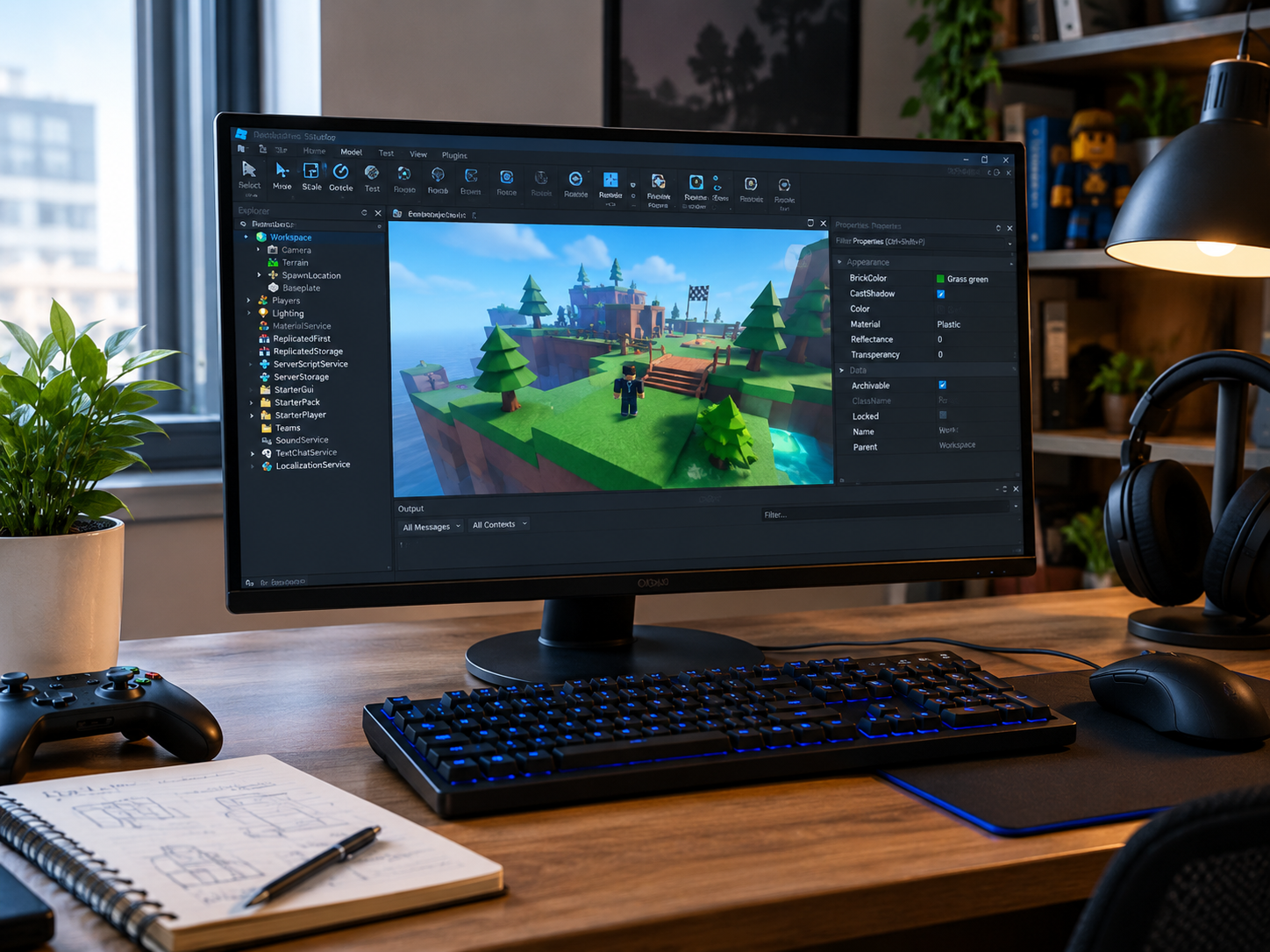
Roblox Studio is the main development environment for creating experiences on Roblox. It gives creators tools for building 3D worlds, writing gameplay logic, testing projects, working with assets, collaborating with others, and publishing experiences. Unlike the Roblox player, which is designed primarily for playing, Roblox Studio is built around creation and development. It is available as a free application for Windows and Mac.
What Is Roblox Studio?
Roblox Studio is an all-in-one integrated development environment for Roblox. It combines world-building tools, a script editor, testing features, asset management and publishing options in one application.
A new creator can start with a blank baseplate or use templates that already contain elements of a playable experience. Official Roblox templates include options such as Platformer, Laser Tag and Racing, allowing beginners to experiment with existing mechanics before creating everything themselves.
The Studio workspace is where creators arrange parts, models, terrain, lighting and other elements that make up a 3D environment. Projects can remain simple, such as an obstacle course, or become much more complex multiplayer experiences.
Roblox describes experiences as 3D worlds that can include games, communication environments, learning experiences, concerts and simulations. That means Roblox Studio is not limited to traditional video games.
How Roblox Studio Works
The basic workflow is straightforward: build the environment, add interactive behavior, test the experience, make improvements and publish it.
The 3D workspace is where physical elements are arranged. Creators can move and rotate objects, adjust properties, apply materials, add lighting and construct environments from individual components.
Scripting adds behavior that static objects cannot provide. Roblox uses Luau, a programming language derived from Lua 5.1. Scripts can respond to player actions, create game events, control non-player characters, manage player data and implement gameplay systems.
Testing is another important part of the process. Studio provides playtesting tools and device emulation so creators can examine how an experience behaves across different screen sizes and device types before releasing it publicly.
| Roblox Studio feature | What it is used for |
|---|---|
| 3D Workspace | Building environments and arranging objects |
| Script Editor | Writing Luau code and gameplay systems |
| Playtesting | Checking mechanics and identifying problems |
| Device Emulation | Testing different screen sizes and form factors |
| Asset Tools | Managing models, audio, textures and other content |
| Collaboration | Working with other creators on shared projects |
| Publishing | Sending completed experiences to Roblox |
Building Your First Experience
Starting with a small project is usually more practical than attempting a large multiplayer game immediately. A simple obstacle course, racing track or platformer can teach the core workflow without requiring a huge amount of code.
Roblox Studio includes templates designed to provide a starting point. The Racing template, for example, includes a working racecar and track components that can be customized. This allows new creators to focus on learning how objects and gameplay systems work instead of building every component from zero.
As confidence improves, creators can replace template elements, introduce custom models and add their own mechanics. Roblox also supports importing assets created with other tools, including industry-standard 3D and multimedia formats.
💡 Pro Tip:
Keep your first Roblox Studio project small enough to finish. Completing a simple playable experience teaches more about the full development process than spending weeks designing an enormous project that never reaches the testing stage.
Learning Scripting in Roblox Studio
Scripting is where a Roblox experience can become interactive. Luau allows creators to control what happens when players interact with objects, enter areas, trigger events or complete objectives.
Beginners can start with basic programming concepts such as variables, functions, conditionals, loops and tables. From there, they can learn how scripts communicate with objects and services inside an experience.
The Studio Script Editor includes features such as syntax highlighting, code completion and inline documentation. Roblox’s official scripting documentation also provides tutorials covering fundamental programming concepts and practical gameplay development.
Understanding where scripts belong is equally important. Different script types and locations have different purposes, and organizing code properly becomes increasingly valuable as a project grows.
Collaboration and Asset Management
Roblox Studio can support collaborative development through Team Create, allowing multiple users to work on the same project. This is particularly useful when a project involves separate builders, programmers, artists or designers.
Assets are another major part of the development process. Roblox supports models, scripts, textures, audio, plugins and other content that can be reused across projects. Packages can group multiple assets together and make it easier to maintain reusable components.
Creators can also use the Creator Store to find community-created assets and plugins. Roblox states that creators can publish and sell eligible models and plugins through the Creator Store.
Publishing a Roblox Studio Project
Once an experience has been tested and refined, it can be published to Roblox directly from Studio. A newly created game starts with a place containing its environment, objects and scripts. Larger projects can contain multiple places for different areas of the same experience.
New games are private by default. When creators are ready to release an experience publicly, they can change its audience settings through the Creator Dashboard, subject to Roblox’s current publishing requirements.
Publishing is not the end of development. After release, creators can continue updating the experience, monitoring performance and improving gameplay based on how people interact with it.
Roblox Studio System Requirements
Roblox Studio is currently supported on Windows and Mac. Roblox’s Studio documentation lists Windows 10 and macOS 10.14 as minimum operating system requirements, with Windows 11 and macOS 14 or newer listed as recommended. The documentation lists 3 GB of RAM as the minimum and 8 GB as recommended, alongside a recommended display resolution of 1600×900 or higher.
A stronger computer can make development more comfortable, particularly when working with detailed environments, large projects or multiple Studio windows. However, beginners do not need an expensive workstation to start learning the fundamentals.
📌 Key Takeaway:
Roblox Studio brings building, scripting, testing, collaboration and publishing into one creation environment. Starting with a small project and gradually learning Luau, asset management and testing provides a practical path toward creating more advanced Roblox experiences.
Frequently Asked Questions
Is Roblox Studio free?
Yes. Roblox provides Studio as a free creation application for Windows and Mac.
Can beginners use Roblox Studio?
Yes. Roblox provides beginner tutorials, templates and guided learning resources. New creators can start with an existing template and gradually learn building and scripting concepts.
What programming language does Roblox Studio use?
Roblox Studio uses Luau, a programming language derived from Lua 5.1. It is used to create gameplay logic, events, player systems and other interactive features.
Can you make a game without coding?
You can build and customize basic experiences using Studio’s visual tools and templates without immediately writing complex code. However, scripting becomes important when you want custom gameplay systems and more advanced interactive behavior.
Can Roblox Studio projects be published directly to Roblox?
Yes. Studio includes publishing tools that allow creators to send their projects to Roblox. New experiences are private by default and can later be made available publicly when the applicable requirements are met.
Getting Started With Roblox Studio
Roblox Studio provides a practical entry point for anyone interested in creating interactive 3D experiences. Its combination of visual building tools, Luau scripting, templates, testing features and publishing capabilities means creators can learn and develop within the same environment.
The most useful way to learn Roblox Studio is through practice. Start with a manageable project, understand how the workspace operates, experiment with simple scripts and test frequently. As those fundamentals become familiar, more ambitious worlds and gameplay systems become much easier to approach.
