


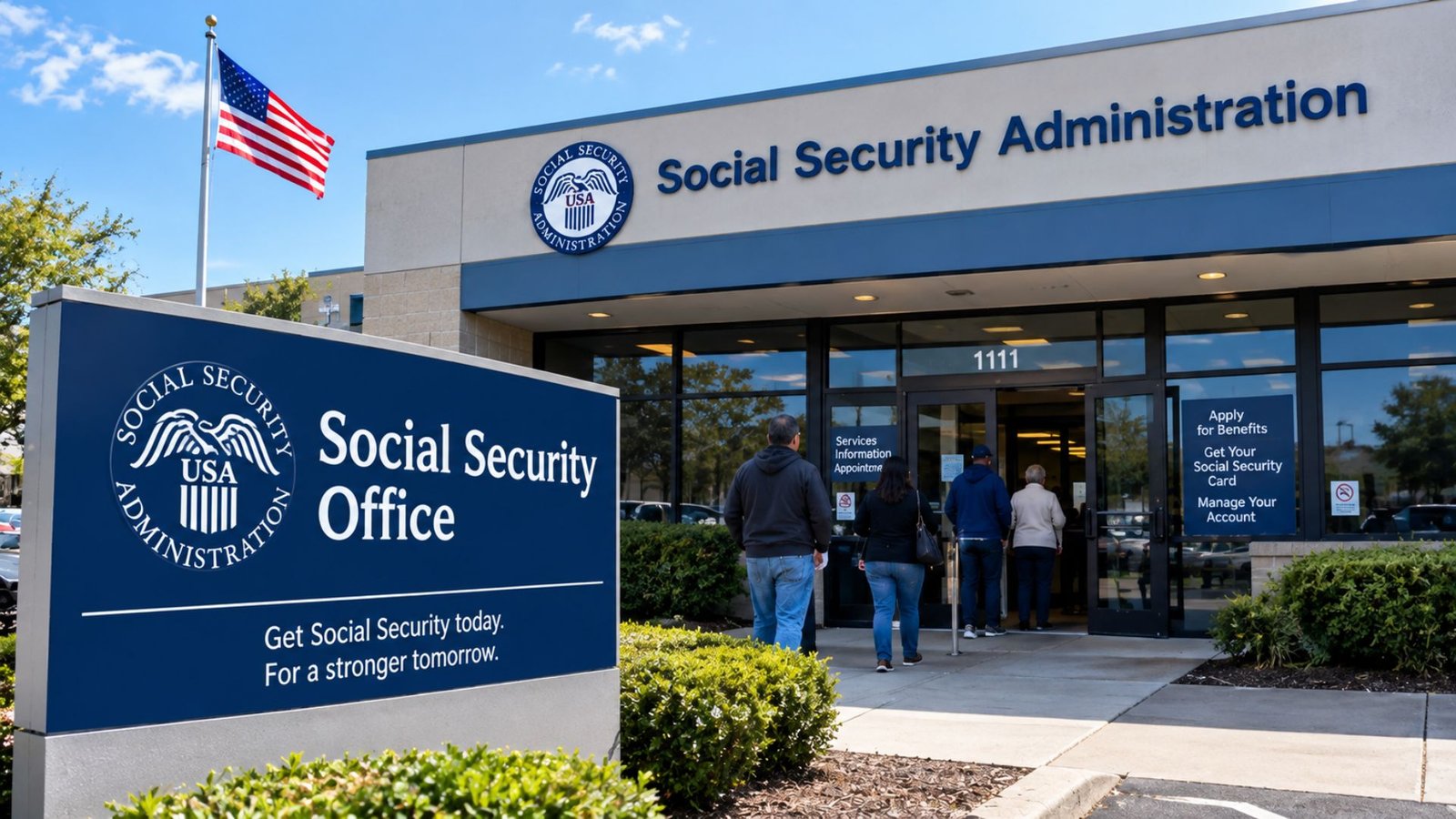
A Social Security office can help with benefit applications, Social Security cards, account issues, appeals, and other services that may require personal assistance. The Social Security Administration (SSA) also provides extensive online and telephone services, so visiting an office is not always necessary. Knowing which option fits your situation can save time and help you prepare the right information before contacting SSA.
What Does a Social Security Office Do?
A Social Security office is a local field office operated by the Social Security Administration. These offices provide in-person assistance for people who need help with Social Security programs or cannot complete a task through the agency’s online or telephone services.
Depending on the location and your specific needs, assistance may include:
- Applying for retirement or disability benefits
- Getting help with benefit-related questions
- Handling certain Social Security card matters
- Updating personal information
- Getting assistance with appeals
- Receiving help when online services are not suitable
- Completing other Social Security-related transactions
The SSA Office Locator lets people search by address, city, state, or ZIP code. It also identifies locations with specific services, because not every office handles every type of request.
How to Find a Social Security Office Near You
The easiest way to locate an office is through the official SSA Office Locator. You can search using your ZIP code, city, state, or address to find available locations and their contact information.
Before traveling, check the office information and determine whether your particular task can be completed there. This matters because SSA distinguishes between regular field offices and Card Centers. For example, people who only need certain Social Security card services may be directed to a Card Center rather than a standard field office.
If you cannot use the website, you can call Social Security at 1-800-772-1213 for assistance locating an office or getting help with your request. TTY service is available at 1-800-325-0778.
Do You Need an Appointment?
In most situations, you should arrange an appointment before visiting a Social Security office. SSA’s current appointment system can determine whether your request can be handled online and whether your appointment should be by phone or in person.
SSA announced that appointments became generally required for field-office services beginning January 6, 2025. The agency also stated that some people with urgent or specialized circumstances may still receive assistance without an appointment.
You can schedule, change, or cancel an appointment through SSA’s appointment service or by calling 1-800-772-1213. Appointments can be scheduled for phone or in-person assistance, depending on the situation.
| Your Need | First Option to Consider | Office Visit May Be Needed |
|---|---|---|
| Retirement benefits | Apply online | If additional assistance is required |
| Disability benefits | Apply online | For situations that cannot be resolved remotely |
| Medicare application | Online services | If SSA directs you to an office |
| Social Security card | Online/card services | For services requiring a Card Center |
| Claim or appeal status | my Social Security account | If further assistance is necessary |
| Complex personal issue | Call SSA first | When SSA schedules an appointment |
💡 Pro Tip:
Before going to a Social Security office, write down exactly what you need to accomplish and gather relevant documents. Calling SSA first can help determine whether an office visit is necessary and what you should bring.
What Can You Do Online Instead?
Many common Social Security tasks can be completed without visiting an office. A personal my Social Security account allows users to review earnings information, check application status, request certain documents, manage some benefit information, and access other personalized services.
Online applications are available for retirement, disability, and Medicare benefits. Depending on your circumstances, you can also request a replacement Social Security card, print proof of benefits, review your Social Security Statement, and perform other tasks electronically.
For people who have difficulty creating or accessing an online account, SSA provides additional assistance. New personal accounts are created through Login.gov or ID.me, and SSA can provide support for certain account-access problems.
This makes online services particularly useful for straightforward requests that do not require face-to-face assistance.
What Should You Bring to an Office Appointment?
The documents you need depend on the reason for your visit. SSA may require information that verifies your identity, eligibility, family circumstances, earnings, or other details relevant to your request.
For example, retirement or Medicare applications can require information such as your date and place of birth, Social Security number, details about a current or former spouse, information about children in certain circumstances, and banking information for benefit payments.
Do not assume that every appointment requires the same documents. Check your appointment instructions carefully and follow any specific request from SSA.
Keeping your paperwork organized can also make the appointment easier. Separate original documents from copies, keep appointment confirmations accessible, and avoid sending sensitive information through unofficial channels.
Calling Instead of Visiting a Social Security Office
For many people, calling SSA is a practical alternative to visiting a local location. The National 800 Number is 1-800-772-1213, with representatives generally available Monday through Friday from 8 a.m. to 7 p.m. local time. Automated telephone services are available around the clock for certain tasks.
Telephone support can help with questions, appointments, office locations, application-related matters, and some account or benefit services. SSA also provides a TTY number for people who are deaf or hard of hearing.
For some requests, calling first may prevent an unnecessary trip. SSA specifically encourages people to use its online and telephone services when those options can resolve the issue.
How to Prepare for Your Visit
If you need an in-person appointment, a little preparation can make the process more straightforward.
- Confirm the location. Use the official locator rather than relying on an outdated address from another website.
- Check the service. Make sure the location handles the type of request you have.
- Schedule ahead. Most customers should arrange an appointment before visiting.
- Gather documents. Bring the information requested by SSA for your particular service.
- Protect personal information. Never post your Social Security number or other sensitive information publicly.
- Keep confirmation details. Save the appointment confirmation and any reference information you receive.
The SSA also provides a Mobile Check-In Express feature at participating offices, allowing visitors to check in using a QR code at the location.
📌 Key Takeaway:
A Social Security office remains an important option when a problem cannot be resolved online or by phone, but many routine services are available digitally. Start with SSA.gov or the official office locator, and schedule an appointment when in-person assistance is appropriate.
Frequently Asked Questions
How do I find the nearest Social Security office?
Use the official SSA Office Locator and search by ZIP code, city, state, or address. The locator provides office information and identifies services available at different locations. If you cannot use the website, call 1-800-772-1213 and ask for help finding your local office.
Can I visit a Social Security office without an appointment?
SSA generally requires appointments for field-office services. However, the agency says certain vulnerable people, military personnel, people with terminal illnesses, and others with urgent or specialized circumstances may still receive assistance without a scheduled appointment. Calling SSA first is a sensible way to determine what applies to your situation.
Can I apply for Social Security benefits online?
Yes. SSA offers online applications for retirement, disability, and Medicare benefits. Retirement applicants can generally apply up to four months before the desired benefit start date. If an online application cannot process your request, SSA provides instructions for obtaining assistance by phone or appointment.
What is the Social Security phone number?
The main Social Security telephone number is 1-800-772-1213. Representatives are generally available Monday through Friday from 8 a.m. to 7 p.m. local time. People who are deaf or hard of hearing can use TTY at 1-800-325-0778.
Can I change my address without visiting an office?
In many cases, people receiving Social Security benefits or enrolled in Medicare can change their U.S. mailing address through their personal my Social Security account. Some SSI recipients and people with other circumstances may need to contact SSA by phone or their local office instead.
Conclusion
Finding the right Social Security office is only one part of getting help from the Social Security Administration. Many routine services can now be completed through SSA’s website or by telephone, while more complicated matters may require an appointment with a local office. Check the official locator, confirm the service you need, and prepare your documents before traveling. Taking these steps can make your interaction with Social Security more efficient and help you avoid an unnecessary visit.
